
Computer Repair in Camden, TN: Remote, In-Home or Warranty? A Local Guide (2026)
September 4, 2026 | Wade · PC Help Hero
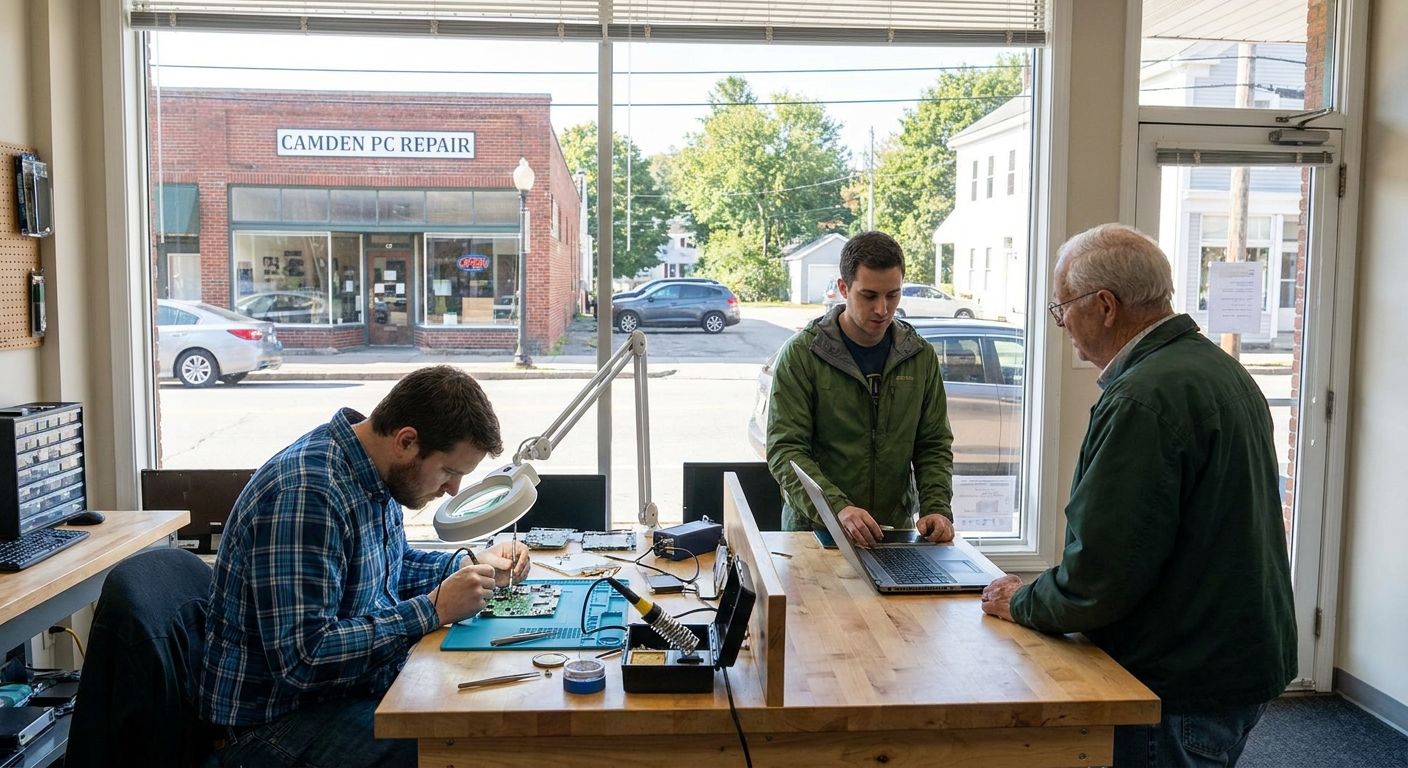
If you live in Camden and your computer is acting up, the first question isn't "which shop?" — it's "what kind of help does this problem actually need?" Most calls I get from Benton County turn out to be software problems that can be fixed over the internet in under an hour. Some need hands on the machine. A few should go straight back to the manufacturer. This guide walks through how I sort that out, with real prices instead of "call for a quote."
I'm Wade, and I run PC Help Hero, a one-person computer repair business in Lexington, TN. Camden is a little farther from Lexington than the towns I can reach without a travel charge, so for Benton County I lean on remote help first, and I'll be honest below about when the drive is worth it.
- Slow computers, scam pop-ups, email, printer and Wi-Fi problems are usually fixed in a $49 remote session — no fix, no fee.
- Camden is outside my no-travel-fee area. In-home visits are available with a travel charge quoted up front; remote help or drop-off in Lexington is usually the better first step.
- Hardware work (failed drive, RAM, charging port, overheating) is easiest as a drop-off in Lexington by appointment. The $49 diagnostic is waived if you approve the repair.
- If the computer is still under manufacturer warranty, contact the manufacturer first.
What people in Camden usually call about
I don't keep a scoreboard by town, but the pattern across Benton County matches the rest of West Tennessee:
- "It's so slow it's unusable." Usually startup clutter, a nearly full drive, or an old hard drive that should be an SSD.
- Scam pop-ups and fake virus warnings — the full-screen "call Microsoft" kind. Almost always a browser hijack, not a real infection, and a remote fix.
- Email that stopped working after a password change, a new phone, or an internet provider switch.
- The printer won't print, or Wi-Fi drops after an update.
- Windows update errors and account lockouts (Microsoft, Google, Facebook).
- A new computer that needs everything moved over.
- Laptops that won't charge, overheat, or won't turn on — the true hardware calls.
Most of that list is software, and that distinction decides whether anyone needs to touch the machine at all.
Your four options, and how to choose
1. Remote help ($49) — start here for anything software-related
You call, I call back and send a one-time link. You click it, I see your screen, and you watch every step while we talk on the phone. The session ends when you close it and nothing stays installed. It covers up to an hour for a flat $49 with no fix, no fee. If the job turns out bigger — a $79 malware cleanup, a $99 Windows reinstall — I quote it and get your OK first; a $49 session never quietly becomes a bigger bill. The one requirement: the computer has to turn on and get online.
2. In-home visit
I do make on-site visits to Camden, but it sits outside my no-travel-fee area (Henderson and Madison County and towns within roughly 30 miles of Lexington). For Camden I quote a travel charge up front on top of the normal $75 first hour and $60/hr after. You'll know the full number before I get in the truck. For most Camden customers that math points elsewhere first: remote for software, drop-off for hardware. A visit is the right call when the computer can't be moved — a desktop wired into a home office, a small business with several machines — or when having it handled in person is worth the travel charge to you.
Regular hours are Monday to Friday, 8:00 AM to 6:00 PM, weekends by appointment. After-hours emergency help is available at the emergency rate ($89 remote, $150/hr on-site with a one-hour minimum) when I can take the call.
3. Drop-off in Lexington — best for hardware
For anything that needs the case opened, dropping the computer off with me in Lexington (by appointment) is the most economical route. The hardware diagnostic is $49, waived when you approve the repair. If you decline, or the machine isn't worth fixing, the $49 is all you pay and you get a straight answer about repair versus replacement. Bench work I do: tune-ups, malware removal, fan cleaning and thermal paste, RAM upgrades, charging-port repair, hard drive or SSD replacement, Windows reinstall, new computer setup, and data recovery. Labor prices are on the hardware repair page; parts are always quoted before I order.
4. Manufacturer warranty — check this before paying anyone
If the computer is less than a year old, or you bought an extended warranty, contact the manufacturer first. Dell, HP, Lenovo, Apple and the rest repair covered hardware at no charge, and a third party opening the case can void that coverage. Find the serial or service tag on the bottom or back and check warranty status on the maker's support site. If it's covered, use it. If it's expired, or the problem is software (which warranties generally don't cover), that's where I come in.
Which option fits which problem
| Situation | Best first step | Cost |
|---|---|---|
| Slow, pop-ups, email, printer, Wi-Fi, updates | Remote session | $49, no fix no fee; packages quoted first if needed |
| Won't turn on or won't boot | Drop-off in Lexington (or in-home) | $49 diagnostic, waived with repair; parts quoted |
| Failing hard drive, need files back | Drop-off in Lexington | $49 diagnostic; recovery quoted after |
| Whole household or small office | In-home visit | $75 first hour, $60/hr after, plus quoted travel charge |
| Under manufacturer warranty | Manufacturer support | Usually free for covered hardware |
The full list, including Home Care plans and tutoring, is on the pricing page.
What to have ready before you call
- The exact error message, if any — a phone photo is perfect.
- When it started and what changed: an update, a new program, a pop-up you clicked, a storm.
- Your Windows password and passwords for any accounts involved. You'll type them yourself; I don't need them written down.
- Make, model and rough age — the sticker on the bottom or back.
- Warranty status (see option 4) and what you've already tried.
- For a remote session: the computer on, online, and a phone nearby.
What I don't do
A one-person shop can't be everything, and I'd rather say so up front than waste your trip:
- Phone and tablet repair. I work on Windows PCs and laptops. For a cracked phone screen, go to the manufacturer or a mobile-device shop.
- Laptop screen replacement and board-level repair aren't on my repair list. If a diagnostic shows that's what you need, I'll say so and you'll only owe the $49.
- A staffed round-the-clock hotline. I'm one person: Monday to Friday 8–6, with after-hours emergency help at the emergency rate when I can take the call.
- Active ransomware and business-wide incidents are assessed and quoted separately, not handled as a $79 cleanup.
Not sure which option you need?
Call and describe the problem. I'll tell you honestly whether it's a $49 remote fix, a drop-off, or a warranty claim — before you spend anything.
FAQ
Can you fix my computer in Camden without coming to my house?
Yes. If it turns on and gets online, most software problems are handled in a $49 remote session while you watch. If I can't fix it in the session, there's no charge.
Do you charge a travel fee to come to Camden?
Camden is outside my no-travel-fee area, so on-site visits include a travel charge quoted up front along with the $75 first-hour rate. Remote help or a drop-off in Lexington is usually the more economical first step.
What does a hardware diagnostic cost?
$49 for a drop-off in Lexington, waived when you approve the repair. If you decline or the computer isn't worth fixing, $49 is all you pay. In-home hardware diagnosis is billed at the $75 first-hour rate instead.
Should I use the manufacturer's warranty or call you?
If the hardware is still covered, contact the manufacturer first — covered repairs are usually free and a third-party repair can void the warranty. Software problems generally aren't covered, and that's where a remote session helps.
Related guides
Need Help?
Got a question after reading this? Give us a call — we're happy to help explain anything or take care of your computer problem.
More Articles
Computer Repair in Milan, TN: Remote, In-Home or Warranty? A Local Guide (2026)
A plain-English guide to getting a computer fixed in Milan, TN: when a $49 remote session is enough, when an in-home visit (no travel fee in Gibson County) makes sense, when to drop off in Lexington, and when to call the manufacturer instead.
Antivirus for Seniors: Retail Software vs Managed Protection
Antivirus software for seniors in 2026: Bitdefender, Norton, Webroot, Microsoft Defender and McAfee compared in plain English, what Windows 10 Extended Security Updates mean for you, and how retail antivirus differs from PC Help Hero's managed Home Care protection.