
Antivirus for Seniors: Retail Software vs Managed Protection
September 6, 2026 | Wade · PC Help Hero
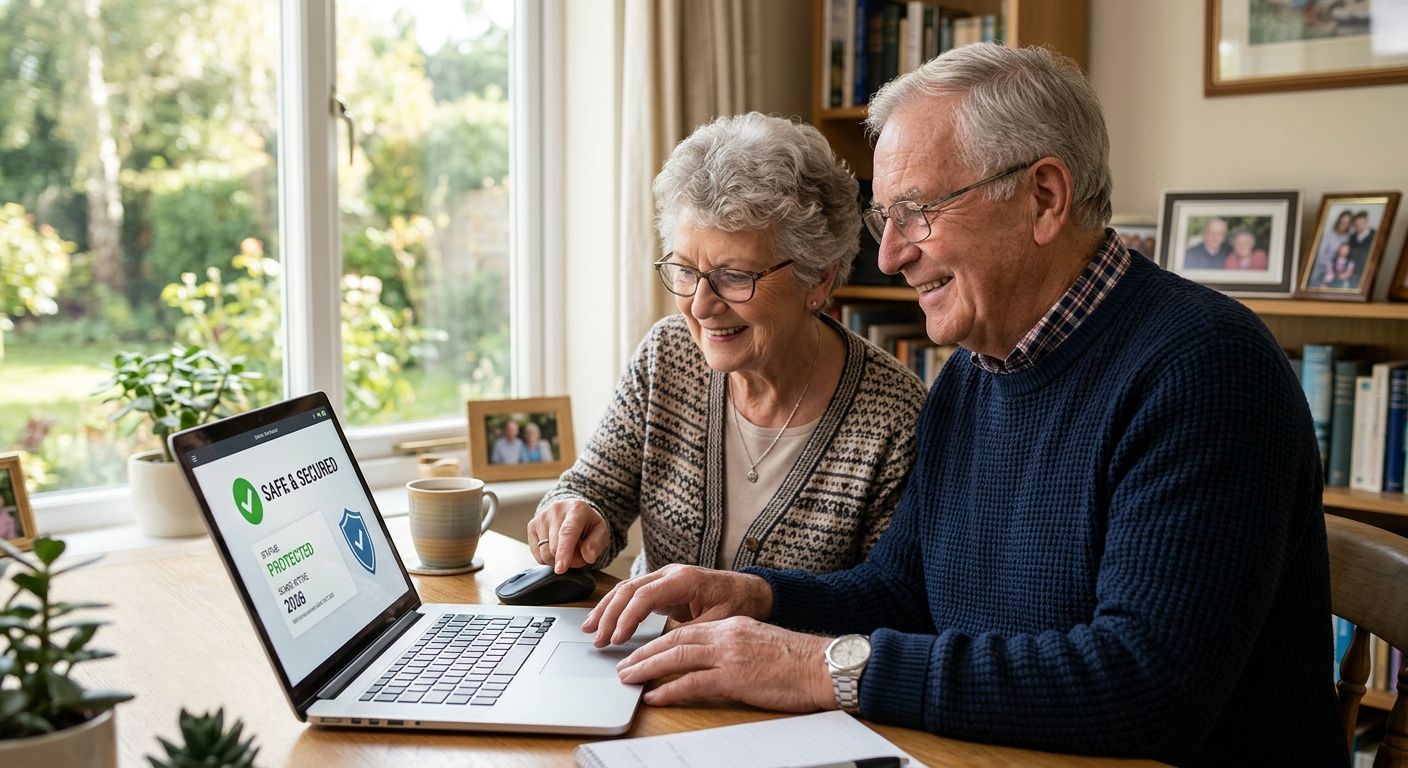
Antivirus software for seniors in 2026 has one job: stop scams and viruses without forcing a bunch of confusing decisions on someone who just wants the computer to work. Bitdefender Total Security wins overall, Norton 360 Deluxe is best for identity theft protection, and Microsoft Defender is the best free option already sitting on most Windows 11 machines.
- Bitdefender Total Security is the best antivirus software for seniors who want protection that runs itself with almost no daily decisions.
- Norton 360 Deluxe wins for seniors worried about identity theft, with dark web monitoring built in.
- Microsoft Defender is the strongest free option, already built into Windows 11.
- Webroot SecureAnywhere is the lightest choice for an older, slower laptop.
- PC Help Hero installs and configures any of these remotely ($49 security software setup; the subscription itself is purchased separately), or includes a managed business-grade antivirus in its Home Care plans.
Why this matters
Scammers don't need to break into a computer anymore. They talk their way in with a fake pop-up, a fake tech support number, or a fake "your account is locked" email, and antivirus software that only hunts viruses misses most of that. The FBI's Internet Crime Complaint Center logged $3.4 billion in losses tied to victims over 60 in its 2023 elder fraud report, and that number climbs every year software alone can't fix.
Windows 10 stopped receiving free security updates on October 14, 2025. That doesn't mean every Windows 10 computer is in the same boat: Microsoft's Extended Security Updates (ESU) program continues to deliver critical and important security fixes to eligible devices that are enrolled — for consumers through October 2026, and for businesses that pay per year, up to three years. A Windows 10 PC that's enrolled in ESU is still getting patches; one that isn't has been unpatched since last October. If you're not sure which yours is, open Settings > Update & Security > Windows Update and look for an ESU enrollment notice, or ask me to check during a remote session. Either way, a strong antivirus program with scam-site blocking matters more on an aging operating system, not less.
If a computer is acting strange right now, remote tech support for seniors can walk through what's happening before deciding which software fixes it.
What makes the best antivirus for seniors
- Simple interface with no daily pop-up decisions to make
- Automatic scanning and updates that never require manual scheduling
- Scam and phishing-site blocking, which matters more than raw virus detection in 2026
- Identity theft or dark web monitoring for banking and Social Security numbers
- Low system impact on older, slower hardware many seniors still use
- Real phone or chat support for when something looks wrong
Best antivirus software for seniors in 2026: at a glance
| Software | Best for | Standout feature | Key limitation |
|---|---|---|---|
| Bitdefender Total Security | "Set it and forget it" protection | Autopilot mode makes most decisions automatically | More settings menus than some seniors will ever open |
| Norton 360 Deluxe | Identity theft protection | Dark web monitoring and identity alerts | Extra features can feel like clutter for a basic user |
| Webroot SecureAnywhere | Older, slower laptops | Tiny footprint and fast scans | Lab test scores trail Bitdefender and Norton |
| Microsoft Defender | A free option already on the PC | Built into Windows 11, nothing to install | No identity monitoring or dedicated scam-call blocking |
| McAfee+ | Covering several family devices | One login protects phones, tablets, and PCs | Someone has to track device limits and renewals |
1. Bitdefender Total Security: best antivirus for seniors who want it to run itself
Bitdefender's Autopilot mode picks security settings on its own, so there's rarely a decision to make beyond installing it once. It runs scans in the background, keeps a firewall active, and blocks webcam access from apps that shouldn't have it.
Bitdefender Total Security pros:
- Autopilot mode handles nearly every setting automatically
- Consistently rates well in independent lab testing for malware detection
- Includes a firewall and webcam protection out of the box
Bitdefender Total Security cons:
- The dashboard still has more menus than a basic user needs to see
- First-time setup goes smoother with someone walking through it once
Best for: seniors who want protection that makes its own decisions. Verdict: Buy.
2. Norton 360 Deluxe: best antivirus for seniors worried about identity theft
Norton 360 Deluxe pairs antivirus scanning with identity alerts and dark web monitoring, so it flags a Social Security number or bank account if it turns up in a data breach. A VPN is included, useful for anyone checking email at the library or a coffee shop.
Norton 360 Deluxe pros:
- Identity alerts catch breached personal information early
- VPN included for safer browsing on public Wi-Fi
- Strong scam-blocking browser extension
Norton 360 Deluxe cons:
- More features to understand than a plain antivirus program
- Renewal notices can look enough like a scam pop-up to cause confusion
Best for: seniors most worried about identity theft, not just viruses. Verdict: Buy.
3. Webroot SecureAnywhere: best antivirus for an older, slower computer
Webroot runs most of its scanning in the cloud instead of on the machine itself, which keeps the local footprint tiny. That matters on a laptop bought years ago with limited RAM, where a heavier security suite can grind everything to a crawl.
Webroot SecureAnywhere pros:
- Scans finish in a fraction of the time heavier suites take
- Barely touches CPU during a video call with grandkids
- Malware definitions update automatically without user input
Webroot SecureAnywhere cons:
- Independent lab scores lag behind Bitdefender and Norton in real-world protection tests
- Support options are lighter than the bigger-name suites
Best for: an aging laptop that struggles to run modern software. Verdict: Hold — fine as a stopgap on old hardware, not the first pick on a newer machine.
4. Microsoft Defender: best free antivirus already on the PC
Defender is built into Windows 11, so there's nothing to download and no separate account to manage. It scans quietly in the background and covers the basics of malware protection without extra cost.
Microsoft Defender pros:
- No install, no account, no renewal reminders
- Runs automatically the moment Windows starts
- Covers standard malware detection reasonably well
Microsoft Defender cons:
- No identity monitoring or dark web alerts
- Weaker scam-site blocking than the paid suites above
- No phone support line to call when something looks off
Best for: a newer Windows 11 machine on a tight budget. Verdict: Buy on Windows 11 as a baseline. Be cautious about relying on it alone on a Windows 10 PC: free updates ended October 14, 2025, and unless the machine is enrolled in Microsoft's Extended Security Updates program it is no longer being patched, which makes the paid suites' scam-site blocking more valuable.
5. McAfee+: best antivirus for covering several family devices
McAfee+ covers phones, tablets, and PCs under one subscription, which helps when grandkids' devices or a spouse's laptop need the same protection. It includes identity monitoring similar to Norton's, plus parental controls if grandchildren share a device.
McAfee+ pros:
- One login manages every device in the household
- Identity monitoring included alongside antivirus scanning
- Parental controls available for shared family devices
McAfee+ cons:
- Adds complexity if a senior only needs to track a single computer
- Device limits and renewals need someone paying attention to the account
Best for: a household protecting several devices at once, not just one PC. Verdict: Buy for multi-device households. Skip if simplicity for a single computer matters more.
How this list was ranked
The ranking weighs six things that matter most for older users in 2026: how few decisions the software demands, whether scans and updates run automatically, how well it blocks scam sites rather than just viruses, whether it monitors for identity theft, how much it slows down aging hardware, and whether real phone or chat support exists when something breaks. Bitdefender and Norton lead on the first five criteria; Webroot and Defender trade features for a lighter footprint or a lower cost.
Need help installing or setting it up?
PC Help Hero installs, configures, and troubleshoots antivirus software remotely — $49 setup, or included and managed on a Home Care plan.
Retail antivirus vs. PC Help Hero's managed protection
Everything above is retail antivirus: you (or a family member) buy the subscription from the vendor, install it, and keep an eye on renewals. That's a perfectly good way to go, and I'm happy to help with it. But it's different from what's included in my care plans, and people mix the two up, so here's the distinction:
- Security software setup — $49. I install and configure the antivirus you've chosen (any of the products above, or another) in a remote session, turn on the right settings, and make sure it's actually running. The subscription itself is purchased separately by you; this is installation and configuration only.
- Home Care plans — from $29/month. Home Basic ($29, one computer), Home Plus ($59, up to two) and Home Pro ($99, up to three) each include a managed, business-grade antivirus that I license, install and monitor for you, plus scheduled Windows updates, health monitoring and a monthly status email. You don't buy a separate antivirus subscription, and you don't manage renewals — if something is flagged, I see it. The monitoring agent is installed only with your written permission and removed if you cancel.
- Business Care — $39/computer/month. For small businesses: endpoint security with managed detection and response by the vendor's security analysts, patching, monitoring and a monthly report. Details on the pricing page.
Which is right for you? If you're comfortable renewing a subscription once a year and just want the install done properly, buy a retail product and book the $49 setup. If you'd rather never think about it — and you'd like someone watching for a failing hard drive or a missed update as well — a Home Care plan covers the antivirus and the upkeep together. Either way, none of this replaces the habit of hanging up on unexpected "tech support" calls; see the online safety guide.
Which antivirus should you choose in 2026?
For most seniors, Bitdefender Total Security is the safest default in 2026 because it makes its own decisions and doesn't need daily attention. If identity theft is the bigger worry, particularly for anyone who's had a card or Social Security number caught in a breach, Norton 360 Deluxe earns the spot instead. A senior on a newer Windows 11 machine and a tight budget can start with Microsoft Defender, but should pair it with caution around unexpected calls and pop-ups, since Defender doesn't catch scam attempts the way the paid suites do.
A computer that's still slow, freezing, or acting oddly after installing any of these programs usually needs a look at what's actually wrong underneath. Checking computer repair costs beforehand helps set expectations before booking a repair.
FAQ
What is the best antivirus software for seniors in 2026?
Bitdefender Total Security is a strong pick for most seniors in 2026 because its Autopilot mode handles security settings automatically. Norton 360 Deluxe is the better choice specifically for identity theft protection.
Is Norton or Bitdefender better for seniors?
Bitdefender wins on simplicity, since Autopilot mode makes most decisions without user input. Norton wins if identity theft monitoring and dark web alerts matter more than a hands-off interface.
Do seniors need to pay for antivirus, or is Windows Defender enough?
Microsoft Defender covers basic malware protection for free on Windows 11 and works fine for light use. It lacks the identity monitoring and stronger scam-site blocking found in paid suites like Bitdefender or Norton.
How much does antivirus software cost?
Pricing varies by plan, device count, and current promotions, so check the vendor's site directly for up-to-date figures. Free options like Microsoft Defender exist for anyone who wants to start there.
Is remote tech support safe for setting up antivirus software?
Yes, remote support lets a technician view and control the screen with the senior's permission the entire time, and it can be ended at any moment. It's a common way to install and configure antivirus software without an in-person visit.
What should a senior do if antivirus software finds a virus?
Let the program run its recommended action, usually quarantine or removal, and avoid clicking any other pop-up that appears during the scan. If the computer still acts strange afterward, a technician should check for anything the scan missed.
Does antivirus software stop phone and email scams too?
Some suites, like Norton 360 Deluxe and Bitdefender Total Security, block known scam websites and phishing links in email, which helps. None of them stop a phone call, so a senior still needs to hang up on unexpected "tech support" calls regardless of which antivirus is installed.
How often should antivirus software update?
Modern antivirus software updates its virus definitions automatically, often multiple times a day, without any action needed. The bigger risk in 2026 is running Windows 10 without being enrolled in Microsoft's Extended Security Updates program, since free updates ended in October 2025.
One last thing
A real antivirus program never asks for a gift card, a wire transfer, or remote access out of nowhere — that request is always the scam, not the software. Any pop-up demanding payment to "fix" a virus it just found is the actual threat, and closing the browser window (not clicking anything in the pop-up) is usually the safest first move.
Related guides
Need Help?
Got a question after reading this? Give us a call — we're happy to help explain anything or take care of your computer problem.
More Articles
How To Stay Safe Online: A Simple Guide for Seniors
A plain-English guide for seniors: the scams that actually show up in West Tennessee, the five habits that stop most of them, seven things to do this week, and what to do if something already happened.
How Much Does Computer Repair Cost in 2026? It Depends
Computer repair cost in 2026 depends on the problem, not one flat rate. See PC Help Hero's real prices ($49 remote, $79 cleanup or tune-up, $99 reinstall, $49 diagnostic, $75/hr in-home) and what drives the price of any repair.