
Free Tech Tips & Advice
Plain-English computer help, online safety tips, and tech guides — written for everyone, not just techies.
September 4, 2026
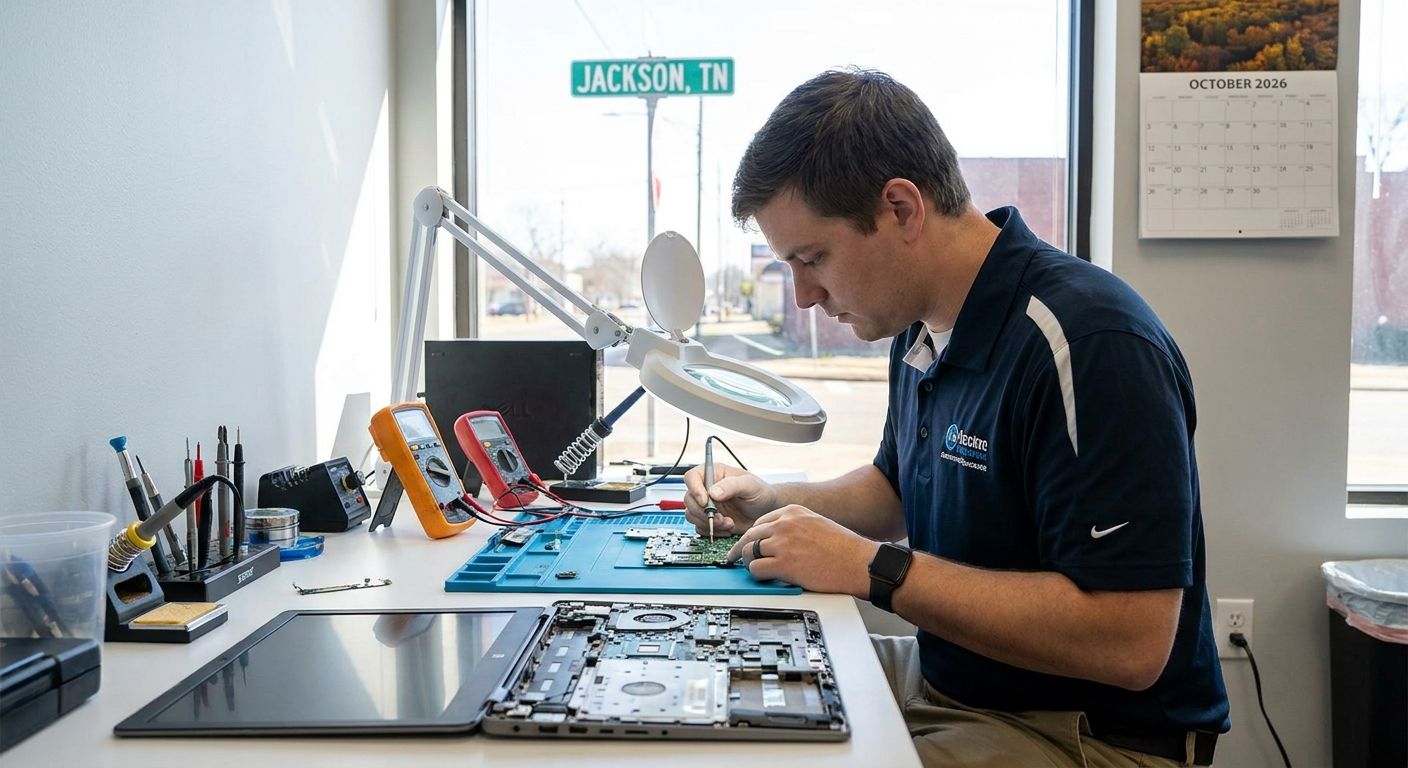
Computer Repair in Jackson, TN: Remote, In-Home or Warranty? A Local Guide (2026)
A plain-English guide to getting a computer fixed in Jackson, TN: when a $49 remote session is enough, when an in-home visit (no travel fee in Madison County) makes sense, when to drop off in Lexington, and when to call the manufacturer instead.
Read more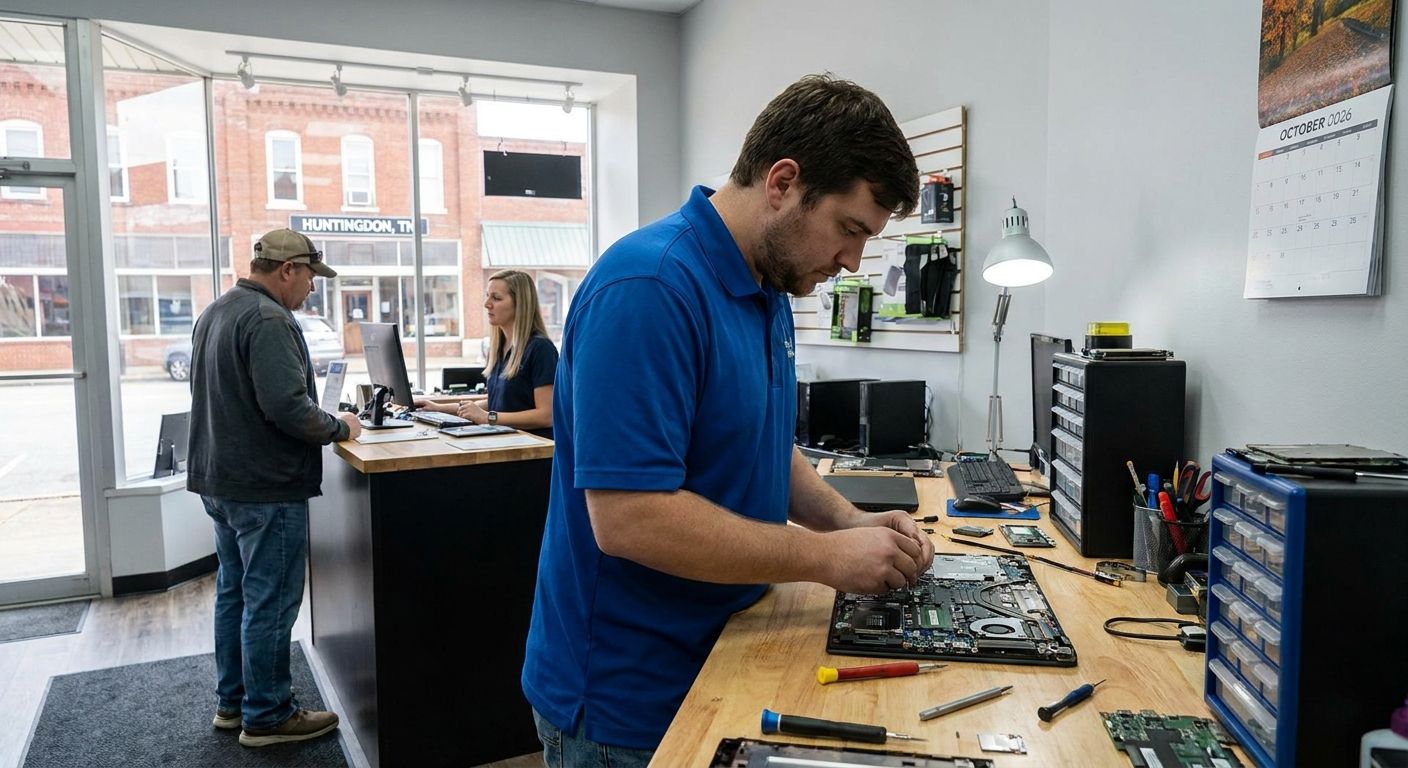
September 4, 2026
Computer Repair in Huntingdon, TN: Remote, In-Home or Warranty? A Local Guide (2026)
A plain-English guide to getting a computer fixed in Huntingdon, TN: when a $49 remote session is enough, when an in-home visit (no travel fee in Carroll County) makes sense, when to drop off in Lexington, and when to call the manufacturer instead.
Read more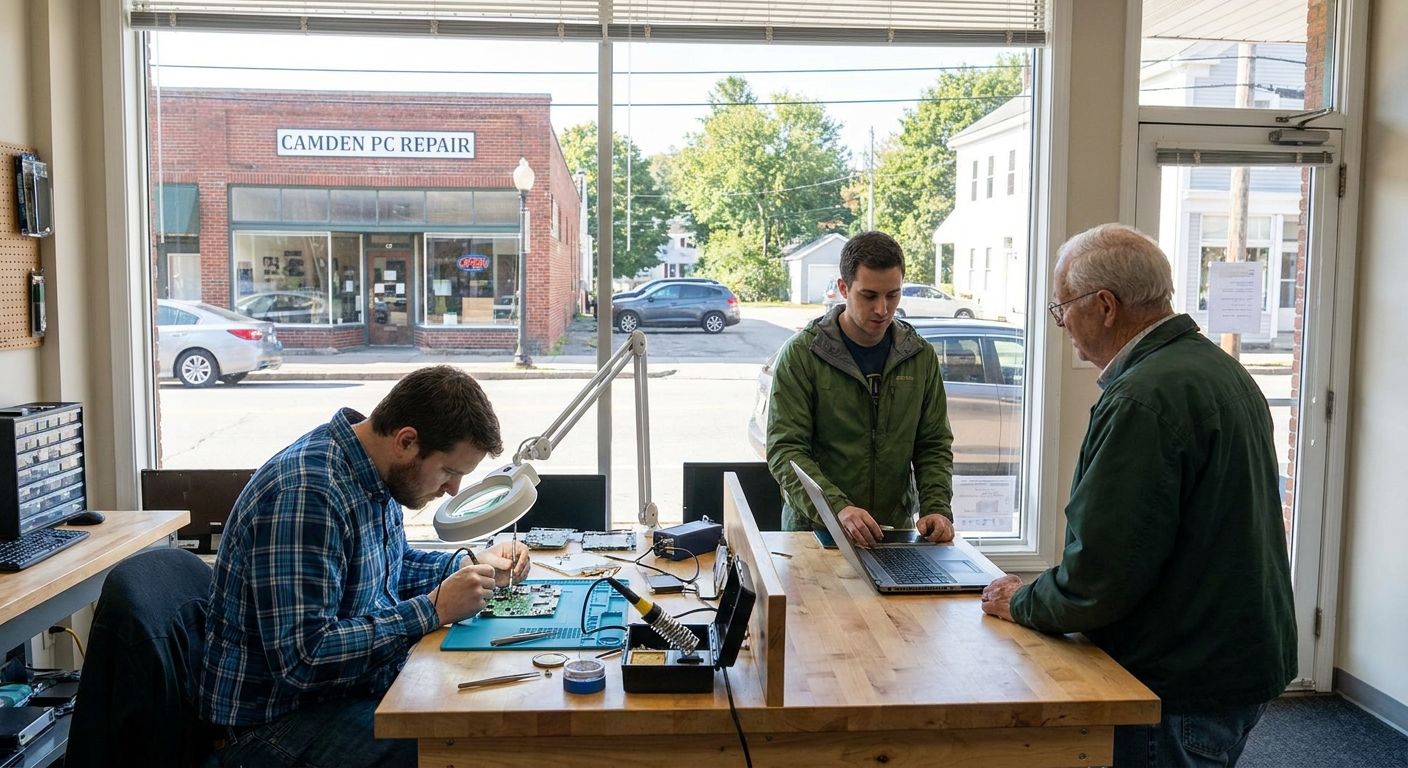
September 4, 2026
Computer Repair in Camden, TN: Remote, In-Home or Warranty? A Local Guide (2026)
A plain-English guide to getting a computer fixed in Camden, TN: when a $49 remote session is enough, when a drop-off in Lexington or an in-home visit (travel charge quoted first) makes sense, and when to call the manufacturer instead.
Read more
September 4, 2026
How Much Does Computer Repair Cost in 2026? It Depends
Computer repair cost in 2026 depends on the problem, not one flat rate. See PC Help Hero's real prices ($49 remote, $79 cleanup or tune-up, $99 reinstall, $49 diagnostic, $75/hr in-home) and what drives the price of any repair.
Read moreApril 13, 2026
What Is Remote Computer Support and How Does It Work?
Remote computer support lets a technician fix your computer over the internet while you watch — no one comes to your home. Here's exactly how a session works, what it costs, what can and can't be fixed, and how to tell real support from a scam.
Read moreApril 13, 2026
7 Signs Your Computer Has a Virus (And Exactly What To Do Next)
Sudden slowness, pop-ups, a changed homepage, or a full-screen 'call Microsoft' warning? Here are the signs of a virus or scam page, a numbered list of what to do yourself right now, and when to stop and call.
Read more